Earlier today, we received news of the official release of MIUI for Kindle Fire. The good news is that it is based on Android 4.0.3 Ice Cream Sandwich and is pretty stable (for a ROM in Alpha state). Things like USB tethering, static wallpapers, hardware acceleration and themes don't work, but they will be in the future. Check out our step-by-step guide after the jump!
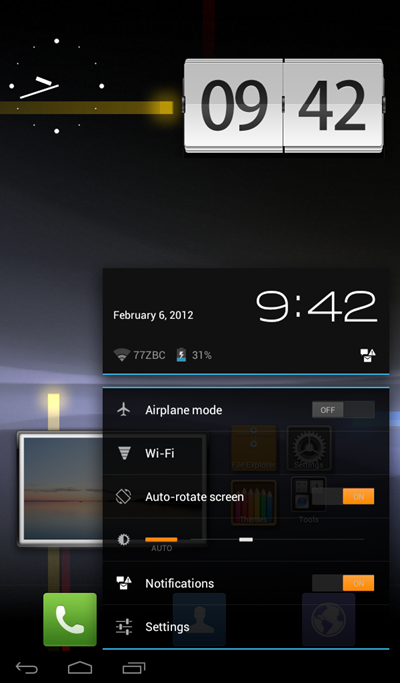
Before you start following the guide, you need to meet two conditions: #1 your must root Kindle Fire and #2 flash a custom recovery to it. Besides this, you must keep in mind that flashing a new ROM like MIUI involves the deletion of all personal data on your Kindle Fire, so be sure to back it up!
DISCLAIMER: Redmond Pie will not be held responsible if you lose data or your device gets damaged in the following of this guide. Proceed at your own risk.
Step 1: Download the latest version of MIUI for Kindle Fire based on Android 4.0.3 ICS [Official Thread]...........
http://www.redmondpie.com/how-to-install-miui-based-on-android-4.0.3-ics-on-kindle-fire-tutorial/
No comments:
Post a Comment